The Law Firm Tech Stack in 2026: What's Changed

by Ivor Padilla
Co-Founder & Engineering Director
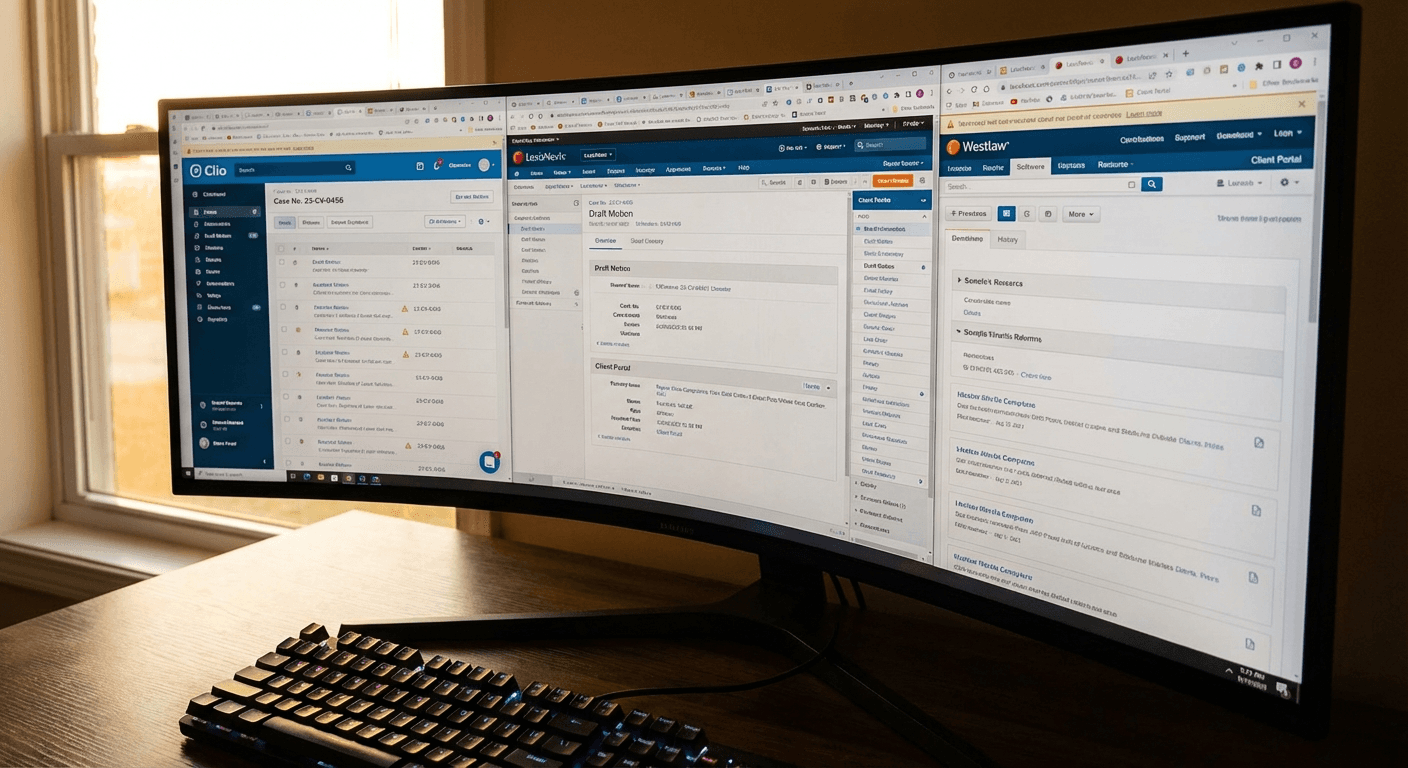
In early February, investments lawyer Michael Huseby (@investing_law) posted his firm's full tech stack on X. Thirteen tools. Clio for practice management, Netdocs for document storage, Gavel for automation, multiple LLMs for AI, Superhuman and Outlook for email, Litera for proofing, Zapier and Lovable for automation, Slack for internal comms, Calendly for scheduling and Coda for process docs.
The replies were revealing. One lawyer said they just use Claude Code. Another pointed out the cost of running that many tools. A third asked why anyone needs two email clients.
That thread captures something important about where law firms are in 2026. The tech stack has expanded, the costs have grown and nobody is quite sure which layers actually matter.
Here is a breakdown of the modern law firm tech stack, what each layer does, where AI fits and where the waste hides.
Layer 1: Practice management
Practice management is the operating system of a law firm. It handles matters, contacts, calendaring, time tracking and billing. In 2026, the dominant players are Clio, Smokeball, LEAP and PracticePanther.
Clio remains the most widely adopted cloud-based platform. It integrates with over 250 third-party tools and has added AI features through Manage AI (formerly Clio Duo) for document summarization and case retrieval.
For EU firms, the choice is trickier. Clio is built for common-law jurisdictions. Firms in Spain and the Netherlands often rely on Kleos (by Wolters Kluwer) or LEAP, which handle civil-law structures better. The key question is not which tool is best in general. It is which tool maps to how your jurisdiction works.
What matters at this layer: cloud access, mobile support, billing integrations, trust accounting (where applicable) and whether the platform can serve as a single source of truth for client data.
Layer 2: Document management
This is where most of the daily work lives. Storing, versioning, searching and sharing documents.
NetDocuments is the dominant cloud-native DMS for mid-to-large firms. It integrates with Microsoft 365, includes AI-powered search and a legal AI assistant, and connects to 150 other tools. Pricing is not public and reportedly scales with firm size. For small practices, the cost is often prohibitive.
iManage is the other major player. It opened a Milan data center in 2025 certified under ISO 27001 and ENS high-level security, targeting Southern European firms needing in-country hosting.
Smaller firms often skip standalone DMS entirely and use the document management built into Clio or Smokeball. This works until the firm grows past 10 to 15 people or starts handling complex transactional work that requires proper versioning and ethical walls.
For EU firms, data residency is the first filter. Where are documents stored? Can you choose a European data centre? NetDocuments and iManage both offer EU hosting. Many smaller DMS tools do not.
Layer 3: Document drafting and automation
This is the layer that changed the most in the last 18 months.
Gavel (formerly Documate) turns intake forms into finished legal documents. Lawyers build templates with variables, conditional logic and calculations. Clients fill out intake forms in a branded portal. The system generates completed Word documents and PDFs.
Gavel Exec, their newer product, adds AI-powered contract review directly inside Microsoft Word. It generates redlines, drafts clauses and benchmarks contract language against market standards.
Litera handles the proofing side. Litera Compare is widely used by large firms for document comparison and redlining. They recently added Lito, an AI legal agent that does chat-based redlining, summarization, risk analysis and clause rewrites.
The drafting layer is where AI delivers the most measurable time savings right now. Thomson Reuters found that document summarization produces the best ROI of any AI use case in legal. Firms using Gavel report 90% faster document generation for templated work.
Layer 4: AI and LLMs
Huseby's stack lists "GCAI" and "Other LLMs" as separate tools. That is typical. Most firms now use multiple AI systems for different tasks.
The legal-specific AI tools gaining real traction include Harvey (best for legal drafting and due diligence), CoCounsel by Thomson Reuters (built on OpenAI, strong for legal research), Lexis+ AI and Westlaw Precision (AI-powered case law search), Kira by Litera (the most popular tool for due diligence review) and Draftwise (40 firms considering it, the highest "future use" intent of any legal AI tool).
On the general-purpose side, lawyers use ChatGPT, Claude, Gemini and Perplexity for administrative tasks: email drafting, brainstorming, summarizing long documents. Microsoft Copilot ranks first for search and retrieval inside existing firm systems because it works within Word, Outlook, Teams and SharePoint.
The adoption numbers are real but uneven. According to Clio, 79% of legal professionals use AI in some capacity. But firms with 51 or more lawyers adopt generative AI at roughly double the rate (39%) compared to smaller firms (20%). In-house legal teams have jumped from 23% to 52% adoption in a single year.
The biggest risk at this layer is not choosing the wrong tool. It is shadow AI: staff using ChatGPT or other general-purpose LLMs for client work without permission, sometimes putting privileged data into prompts that violate professional indemnity insurance terms. The fix is not to ban AI. It is to provide approved tools with clear usage guidelines.
Layer 5: Automation and integrations
Zapier connects tools that do not talk to each other natively. In Huseby's stack it sits alongside Gavel and Lovable as an automation layer. This is where costs quietly spiral.
Zapier uses task-based pricing. Every step in every automation counts as a task. The professional plan starts at $29.99 per month for 750 tasks. But as workflows grow, one firm reported their bill jumping from $400 to $1,200 in a single month. Multi-step automations running frequently push users into higher tiers fast.
The deeper problem is that Zapier is glue, not architecture. It connects systems but does not replace the manual work inside them. A Zapier automation can move a document from email to NetDocuments and trigger a Slack notification. But it cannot review the document, extract specific clauses or flag risks.
This is where AI agents are different from simple automations. An AI agent can receive a document, understand its contents, extract structured data, compare it against a template and flag exceptions. It operates on the content, not just the metadata. Zapier moves files. Agents read them.
For firms spending $500 or more per month on Zapier, the question is whether those automations could be replaced by a purpose-built agent that handles the full workflow rather than connecting five separate tools to approximate it.
Layer 6: Communication and email
Huseby runs both Superhuman and Outlook. The replies to his tweet asked the obvious question: why two email clients?
The answer is common. Superhuman is built for speed and includes AI-powered auto-drafts. But it lacks the deep integration with Microsoft 365 that law firms need for document management, calendar sharing and Teams. So Outlook stays for the firm infrastructure. Superhuman stays for the individual lawyer who sends 100 emails a day.
Slack has become the default internal communication tool, replacing email threads for team coordination. In Huseby's stack it also serves as a checklist system. This is practical but creates another data silo. Conversations in Slack are not searchable alongside matter files in Clio or documents in NetDocuments.
The communication layer is rarely where firms overspend on licenses. But it is frequently where information gets lost between systems.
Where AI agents plug into the stack
The standard law firm tech stack in 2026 has 8 to 15 tools. According to LawNext, legal tech spending grew 9.7% last year. Firms are spending more than ever, but they are not necessarily getting more done.
The problem is not the individual tools. Clio is good. NetDocuments is good. Gavel is good. The problem is the gaps between them. Client intake in one system. Documents in another. Billing in a third. Every handoff between systems is a place where data gets re-entered, context gets lost and errors creep in.
AI agents do not replace your practice management or your DMS. They sit between tools and handle the work that currently requires a person to log into three systems, copy data, check a template, fill in a document and file the result. That middle layer, the connective tissue between your existing stack, is where 40 to 60% of administrative time goes.
At Gradion, we build document automation agents for professional services firms in the EU. We run a 10-day pilot focused on one high-volume workflow, using Azure for data residency. No new platforms to adopt. No six-month implementation. Just an agent that plugs into the tools you already use and handles the repetitive document work your team does every day.
If your tech stack has grown but your output has not, the issue is probably not the tools. It is the space between them. Get in touch to see what a 10-day pilot looks like for your firm.